
Library services
The Library is not just about books! We offer a range of other services, as well as a wide selection of devices, to help with your studies.
Computers
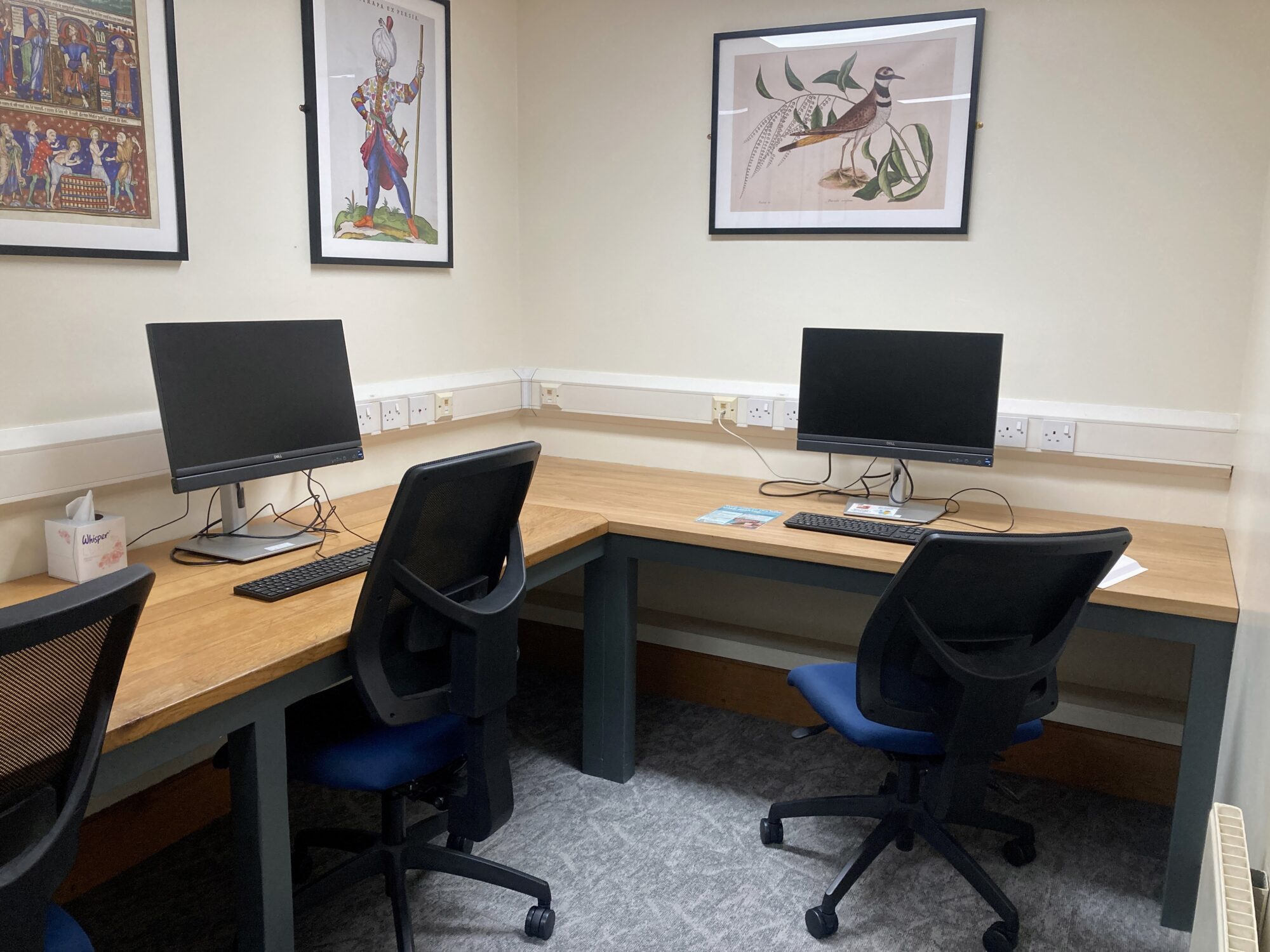
The Computer Room, located on the first floor, has two networked PCs, as well as two monitors for use with laptops.
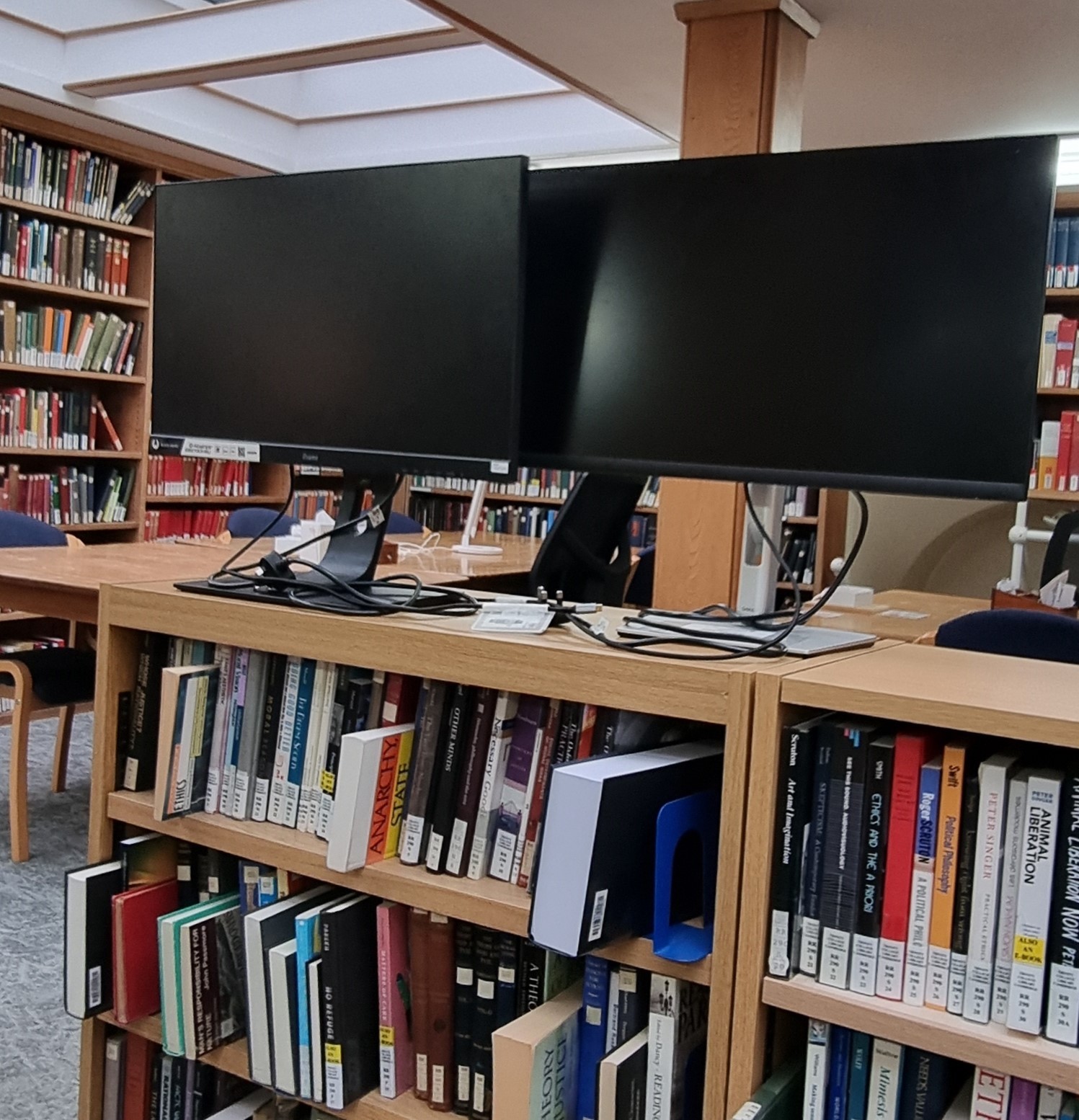
The Reading Room offers a further six monitors which you can help yourself to if you’re in need of a bigger screen while you’re working on your laptop. There are plenty of HDMI and HDMI-USB cables to help you get set up.
Downstairs, in the Catalogue Room, there are two more computers, one of which is set permanently to the Library’s catalogue page, so that you can quickly and easily find the books you need.
Printing, scanning, copying
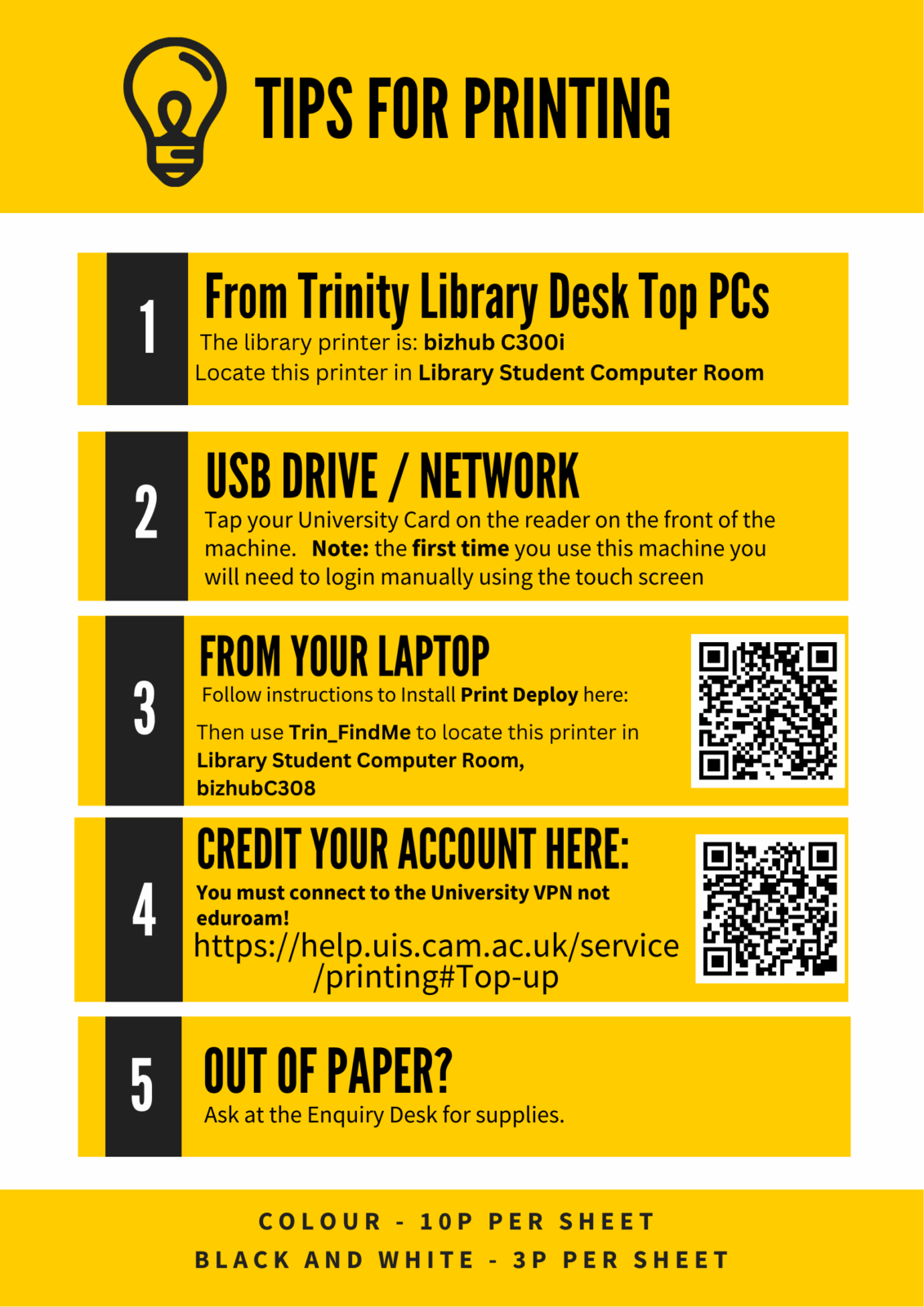
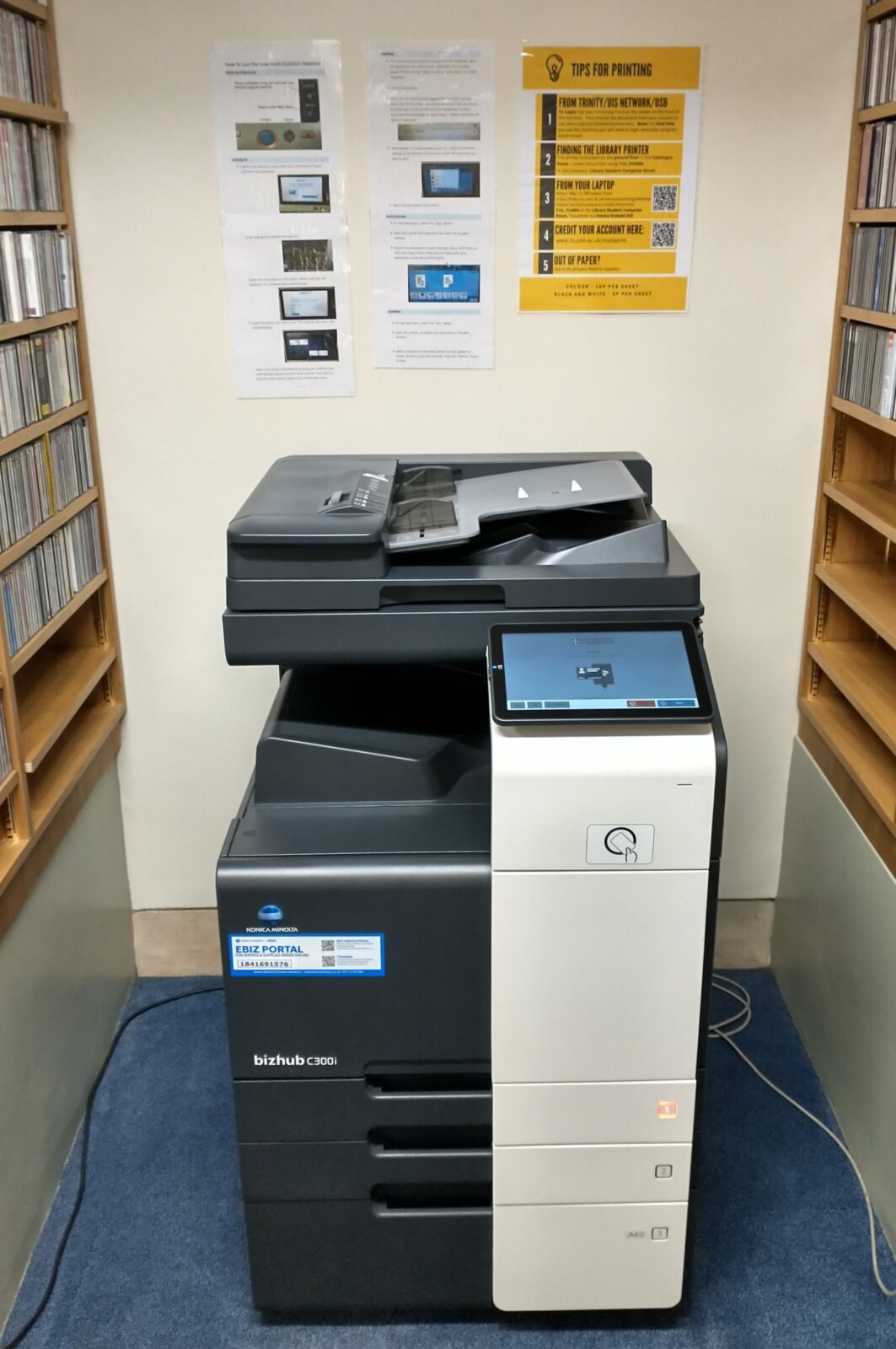
The Catalogue Room is also where you’ll find our Printing/Scanning/Copying Multi-Function Device (MFD).
In order to log in, just swipe your University card on the pad on the front of the machine.
- Scanning is free of charge, and documents will be emailed to your @cam.ac.uk email address.
- Printing and copying costs 3p per page (black and white) and 10p per page (colour), so you’ll just need to make sure you have enough credit on your account before you try to print or copy. If you’re running a little low, credit can always be added here: https://managedprint.uis.private.cam.ac.uk/user.
You have a couple of options when it comes to printing from the Library MFD. Print jobs can be sent to it from any networked College PC (of which there are three in the Library; 2 upstairs in the Computer Room, and one downstairs in the Catalogue Room). Simply log in and send your print jobs to the ‘Trin_Findme’ print queue.
Alternatively, if you would prefer, it’s also possible to print to the MFD directly from your laptop. In order to do so, you need to make sure you have Print Deploy installed. Instructions on how to set this up differ depending on whether your computer uses an Apple or Windows operating system, and can be found here: https://help.uis.cam.ac.uk/service/printing/print-deploy.
Either way, whether printing from a College PC or your laptop, the next step is to release your print job from the MFD itself. To do this, simply log in by swiping your University card on the pad on the front of the machine and confirming the jobs you want to print.
Don’t worry if you forget any of this: there are detailed instructions telling you how to print, as well as copy and scan, on the wall above the MFD in the Catalogue Room, and there’s always a member of the Library staff on the Enquiry Desk who will be very happy to help!
If you hit any technical problems then the College’s IT department will be your port of call. They can be contacted by email ([email protected]) or phone (+44 (0)1223 338551); and from Monday to Friday during term time, they offer a daily drop-in helpdesk from 2-3pm.
Binding
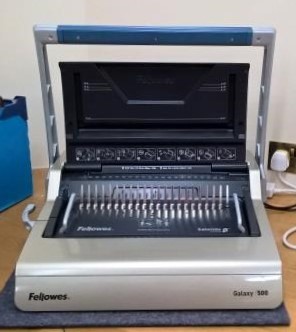
The Library offers a spiral binding service for students at a cost of £2.00 per item. Pop along to the Enquiry Desk with the document(s) you want to have bound and a member of the Library staff will note down your details.
Whilst we’ll always do our best to get your binding done as quickly as possible, we would ask that you allow at least 24 hours for it to be completed. You’ll be emailed when the binding is ready to collect, and payment can be made by cash or card.
Assistive devices, blankets and fans
We’re keen to make your experience of studying in the Library as comfortable, smooth and productive as possible. To help with this, we offer a wide range of assistive resources for use throughout the Library spaces.
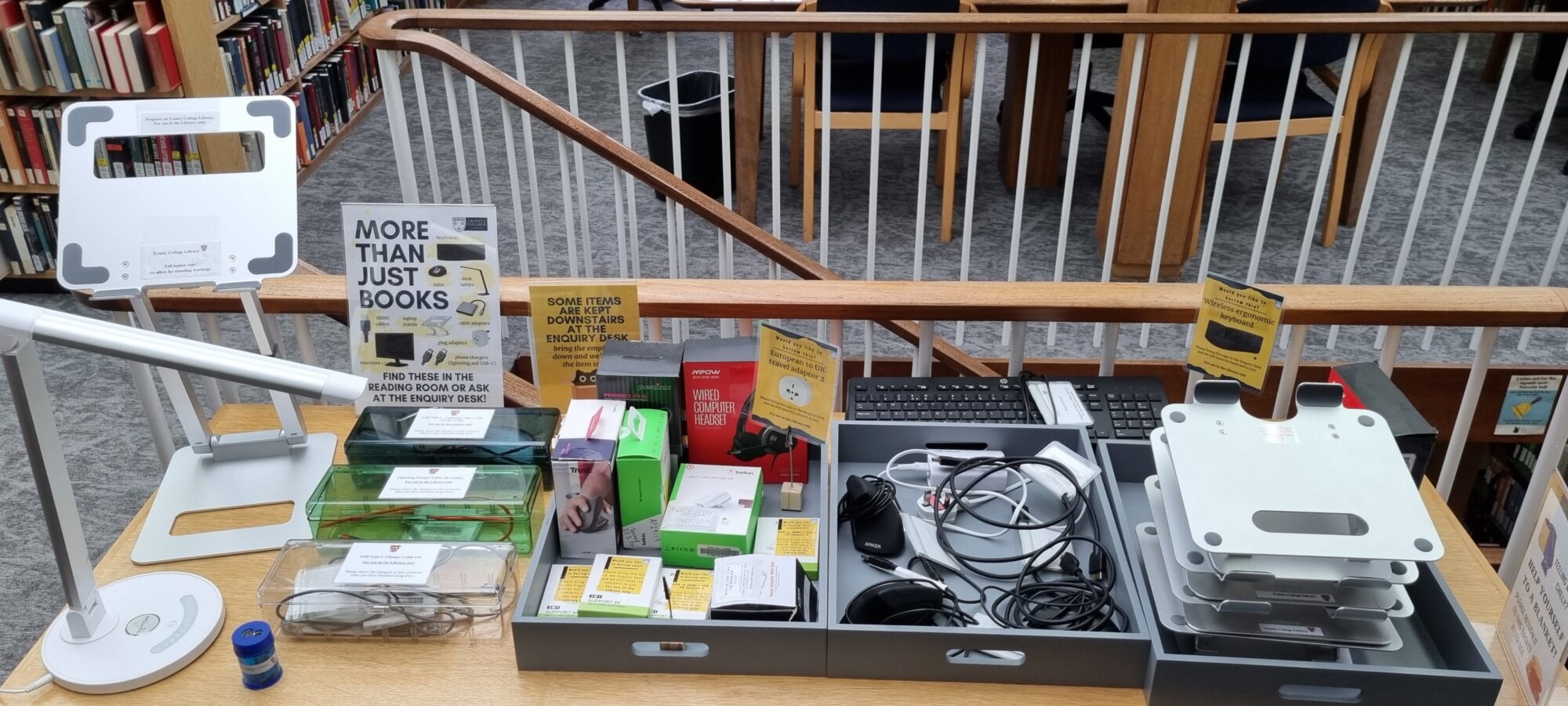
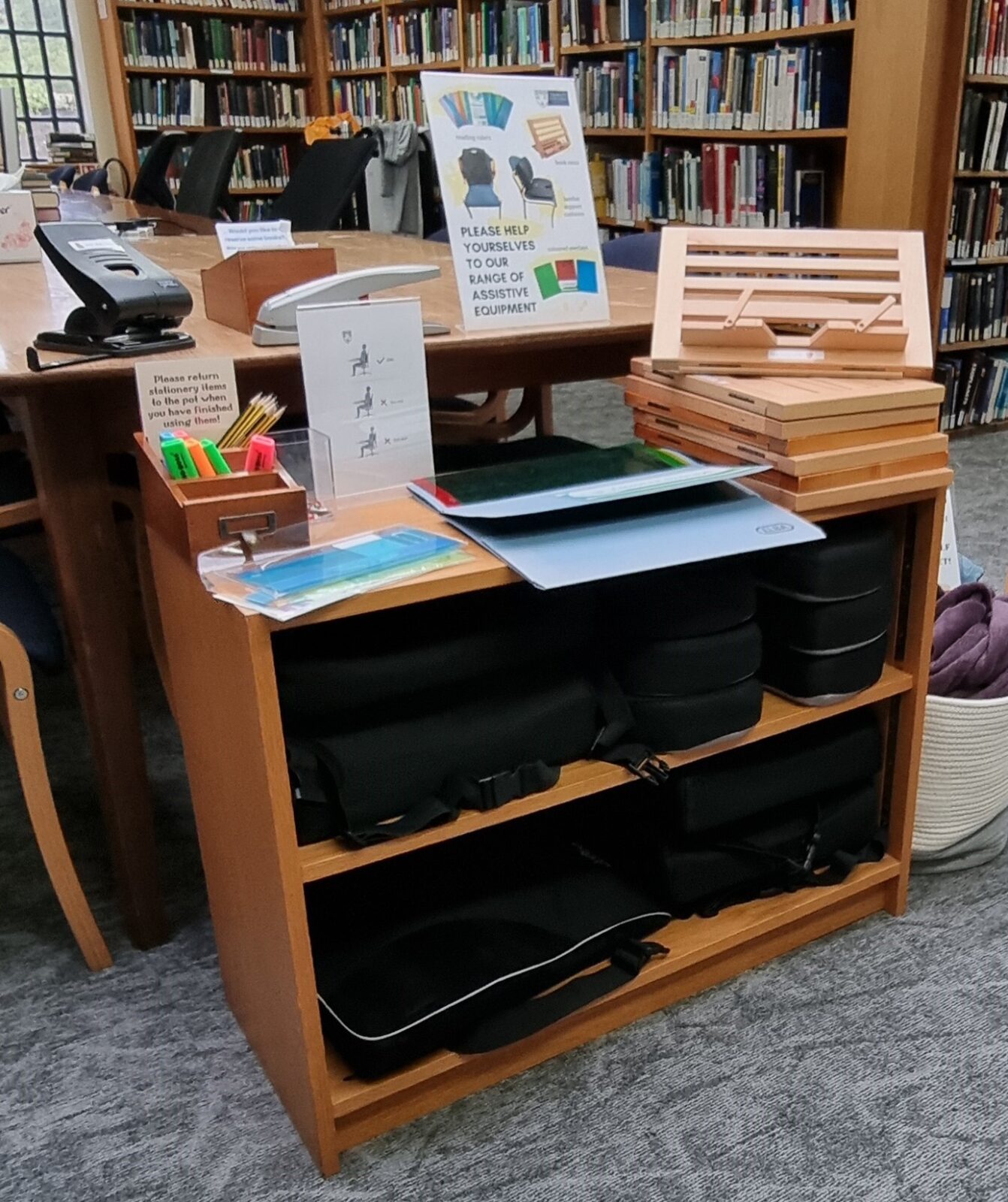
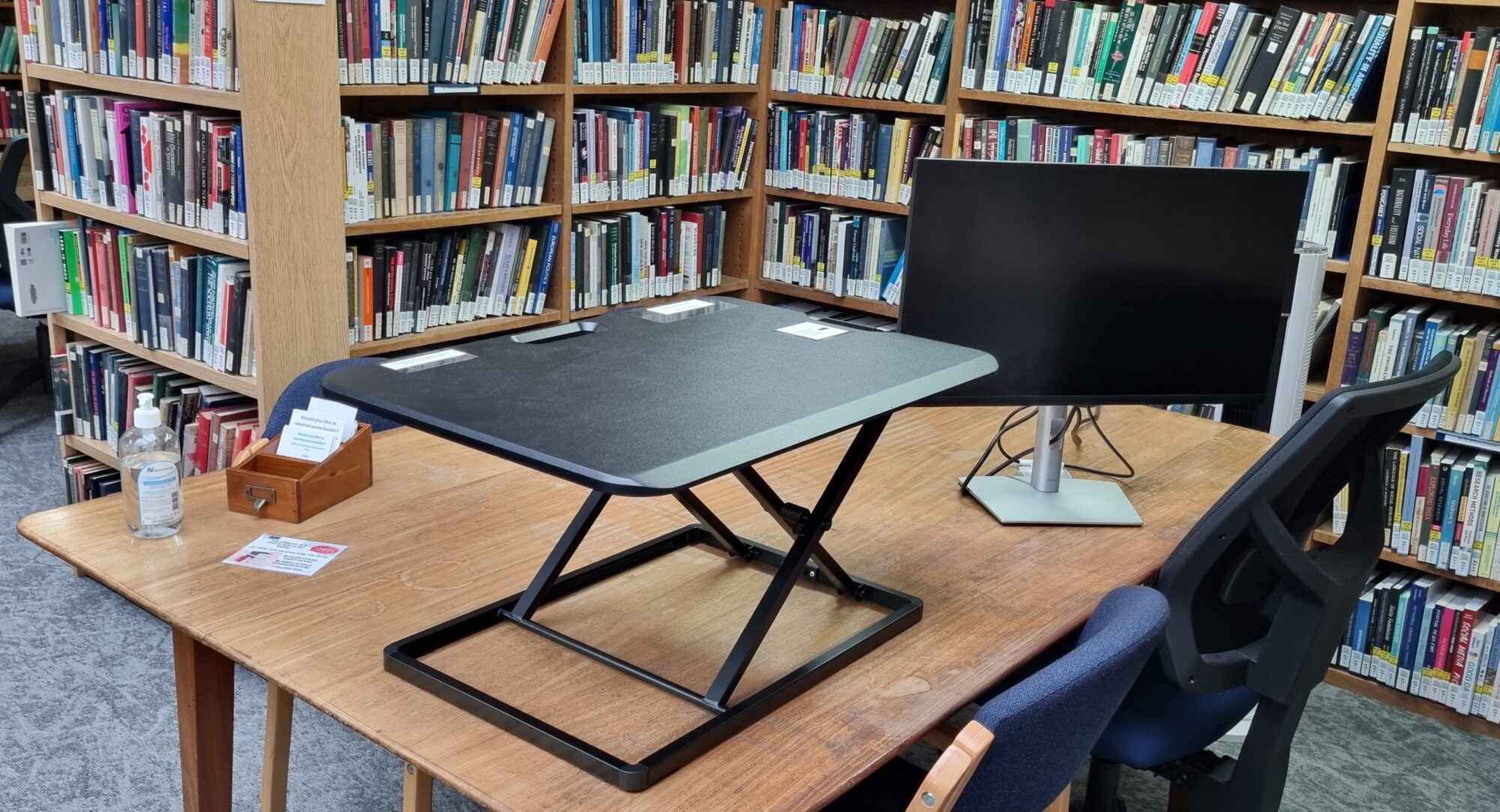
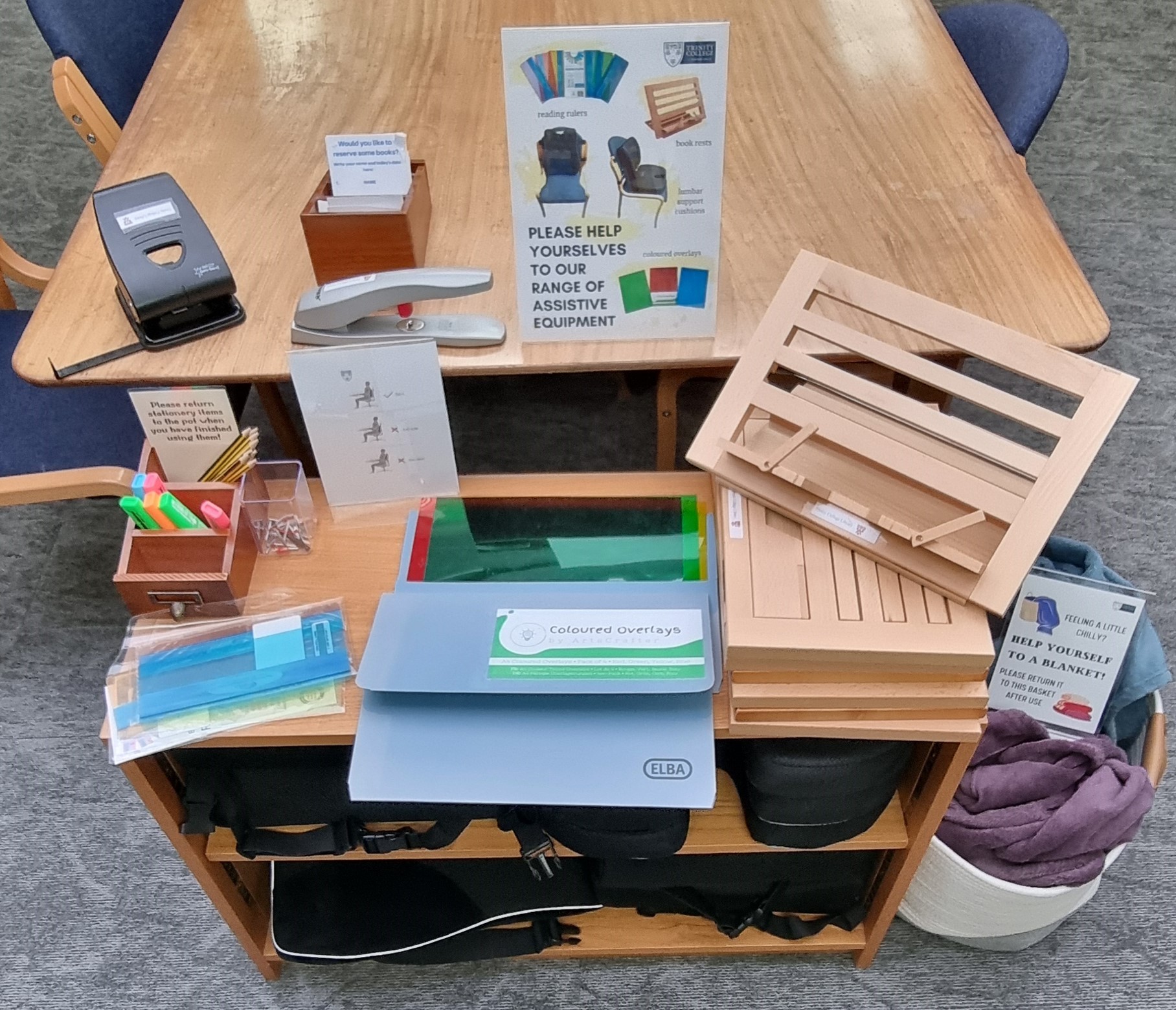
The following are all out in the Reading Room, so just help yourselves! (Please don’t take them out of the Library though):
- Bookrests
- Seat cushions
- Wrist supports
- Dimmable lamps
- Coloured overlays
- Coloured overlay rulers
- Laptop stands
- Laptop lap desks
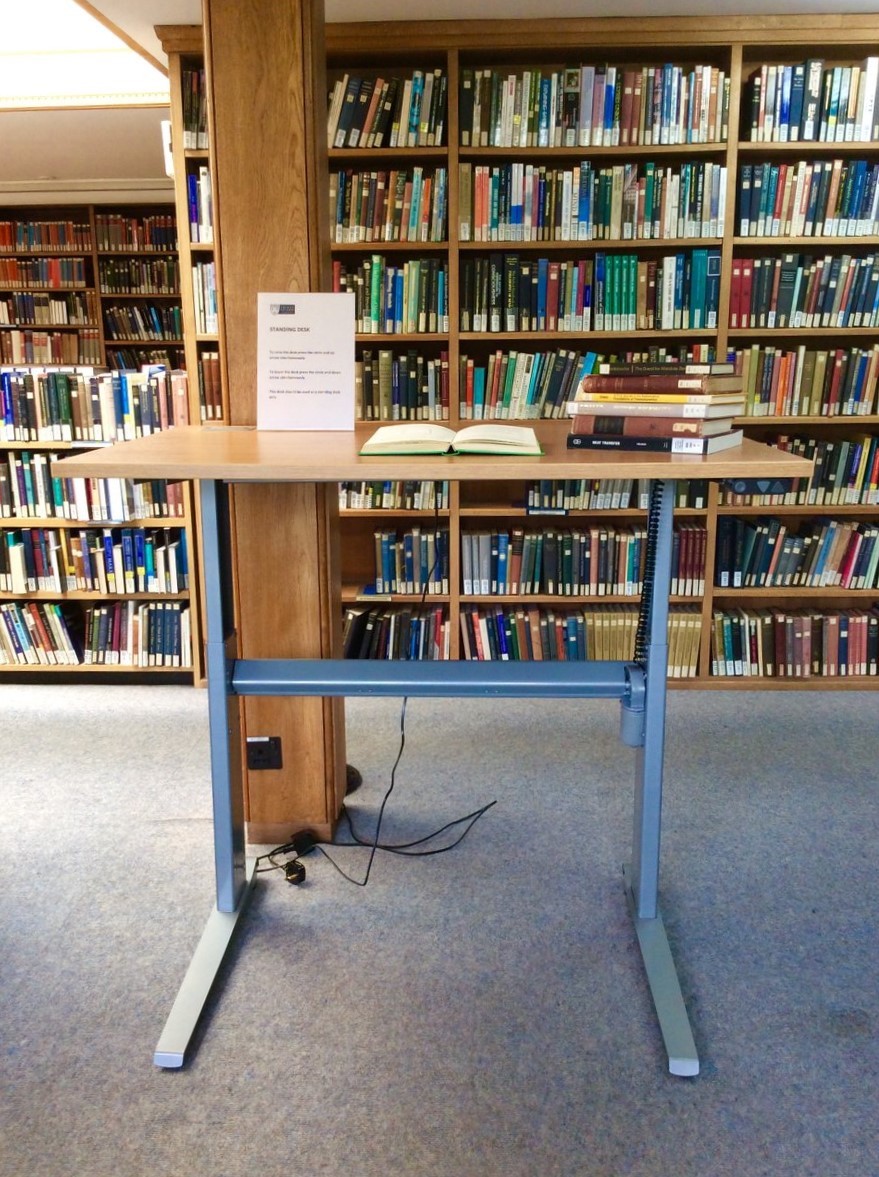
- Standing desk desktop converter
- USB charging cables (for Apple and Android devices)
- HDMI cables
- USB-C to HDMI cables
- Wired mice
- Six-port USB wall chargers
Various other devices are available, but kept at the Library Enquiry Desk, so you’ll just need to pop downstairs to ask for them. They’ll be issued to your account for the rest of the day and are for use in the Library only. Please return them to the Enquiry Desk when you’ve finished with them. These items include:
- USB-C to HDMI/USB multiport devices
- USB-C/USB-A wall chargers
- Wired computer headsets
- Ergonomic wireless mice (right-handed and left-handed)
- Ergonomic wireless keyboard
- Travel adaptor with USB ports
- European to UK plug adaptors
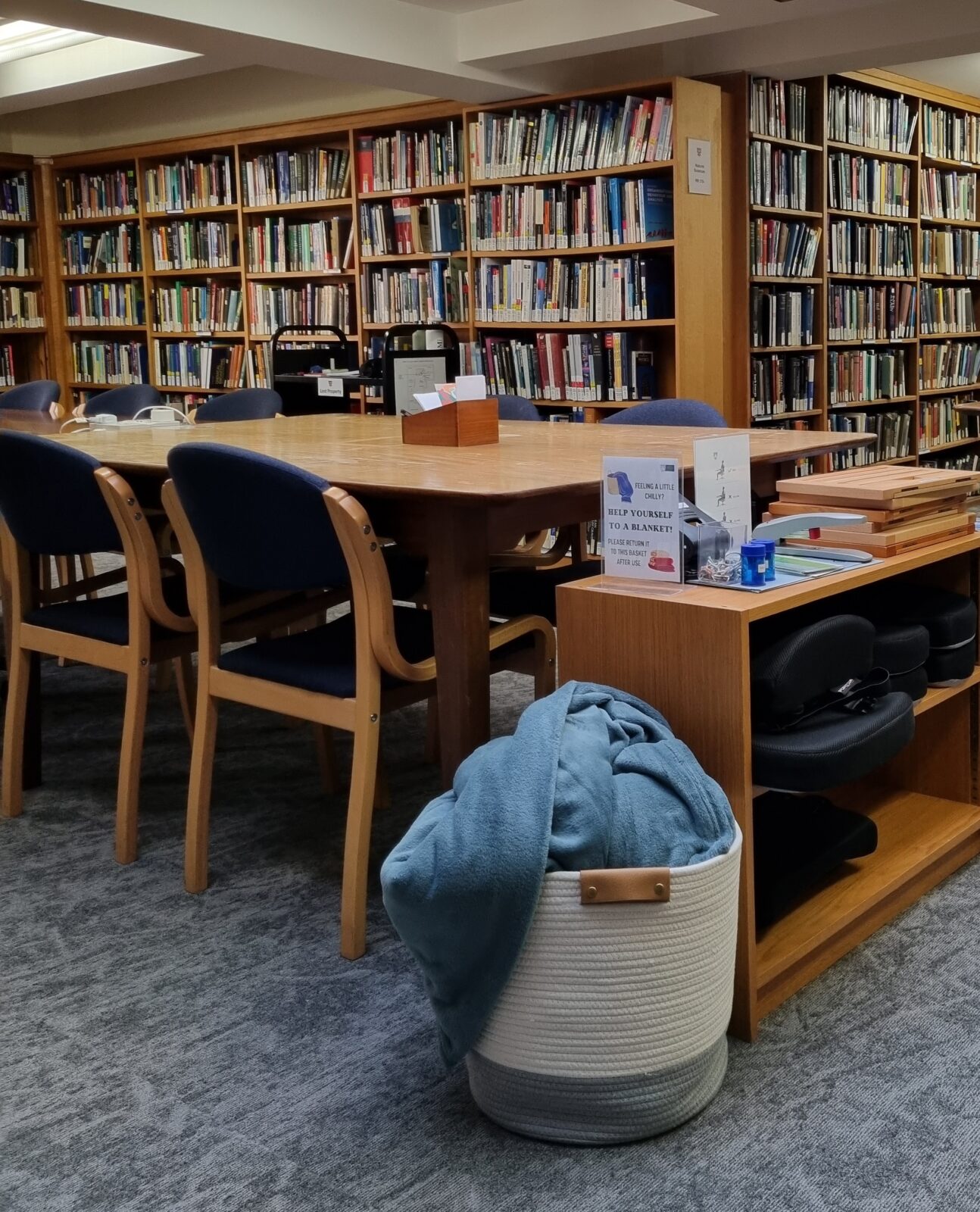
We know the temperature in the Reading Room and Lower Library can be quite changeable, and is difficult to regulate, so we’ve also got two baskets of blankets and several vertical fan units if you’re feeling the chill or getting a bit too hot. Please help yourselves!
Trinity College Library

Follow us:


Contact us:
Find us:
Trinity Street
Cambridge, CB2 1TQ
United Kingdom
Map